
Believe it or not, healthcare still works with Fax. Here is an excellent example of the hill we are climbing to change the system. Take a look below at how to send a fax.
📚Resources Needed
🚀 Tips & Tricks
- As long as you're logged into the admin@besa email, the login credentials should already be there.
- Be sure to triple-check the fax number. This is very confidential info we are sending. We need to make sure we don't send it to the wrong person.
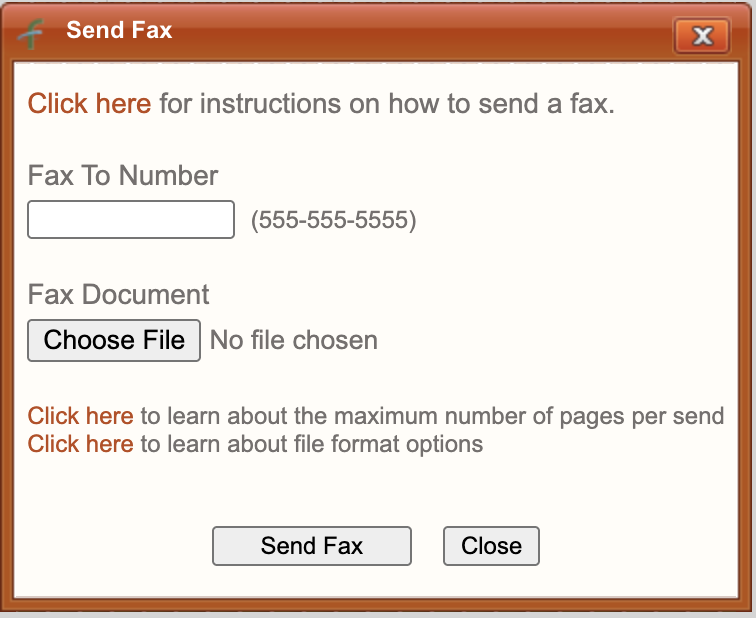
- Follow the fax number format shown on page.
📘 Instructions
Here’s some of the main actions you will need to perform
- Login to Faxbetter.
- You'll have to scan the document onto your computer first before sending it.
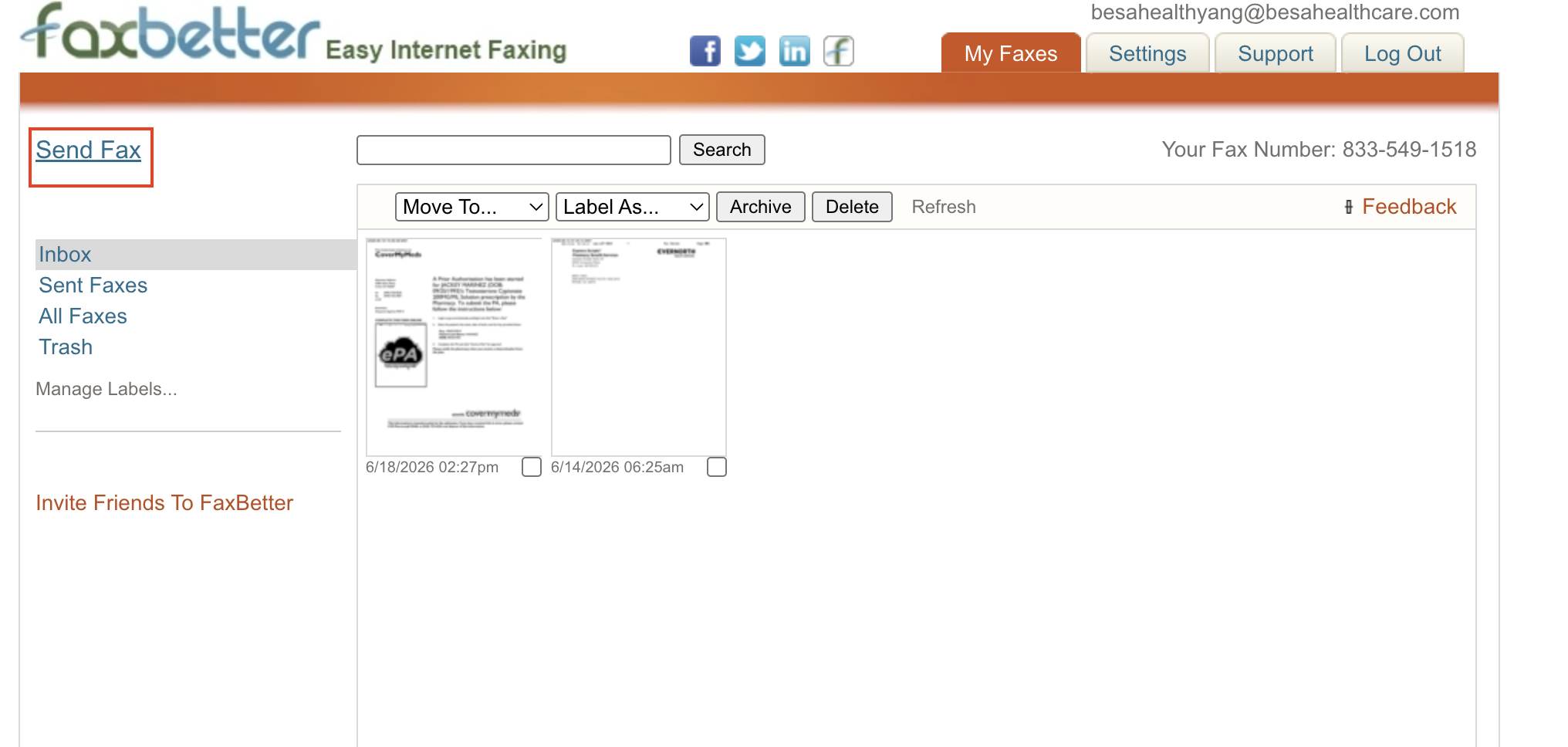
- Click Send Fax
- Enter fax number as shown, add document, and click Send Fax
- We get notified via email if it went through or it didn't so be sure to check there.
Comments (0)