Use this directory to choose the correct besa Health system before you begin work. Each platform has a different source-of-record responsibility, audience, and access model; using the wrong system can create duplicate records or incomplete follow-up.
📚 Resources Needed
✅ Before You Start
- Know the task you are trying to complete and who owns the final decision.
- Use the work account assigned to you. Access is role-based, so two users may see different menus.
- Gather the minimum information required for the task. Do not copy patient, payment, or credentialing information into a system that does not own it.
- If an existing record may already exist, search before creating anything new.
🚀 Tips & Tricks
- Bookmark this directory instead of relying on a saved browser history link.
- Start with the platform name in the Help Center search—for example, Broker enrollment or Provider payments.
- A missing menu normally means your role does not have that permission. Do not create a second account to work around access.
- ⚠️ Never share a password, private payment-confirmation link, bank proof, Social Security number, or clinical information in chat or an unapproved attachment.
🧭 Platform Directory
| Platform | Use It For | Main Users | Source of Record | Approved URL |
|---|---|---|---|---|
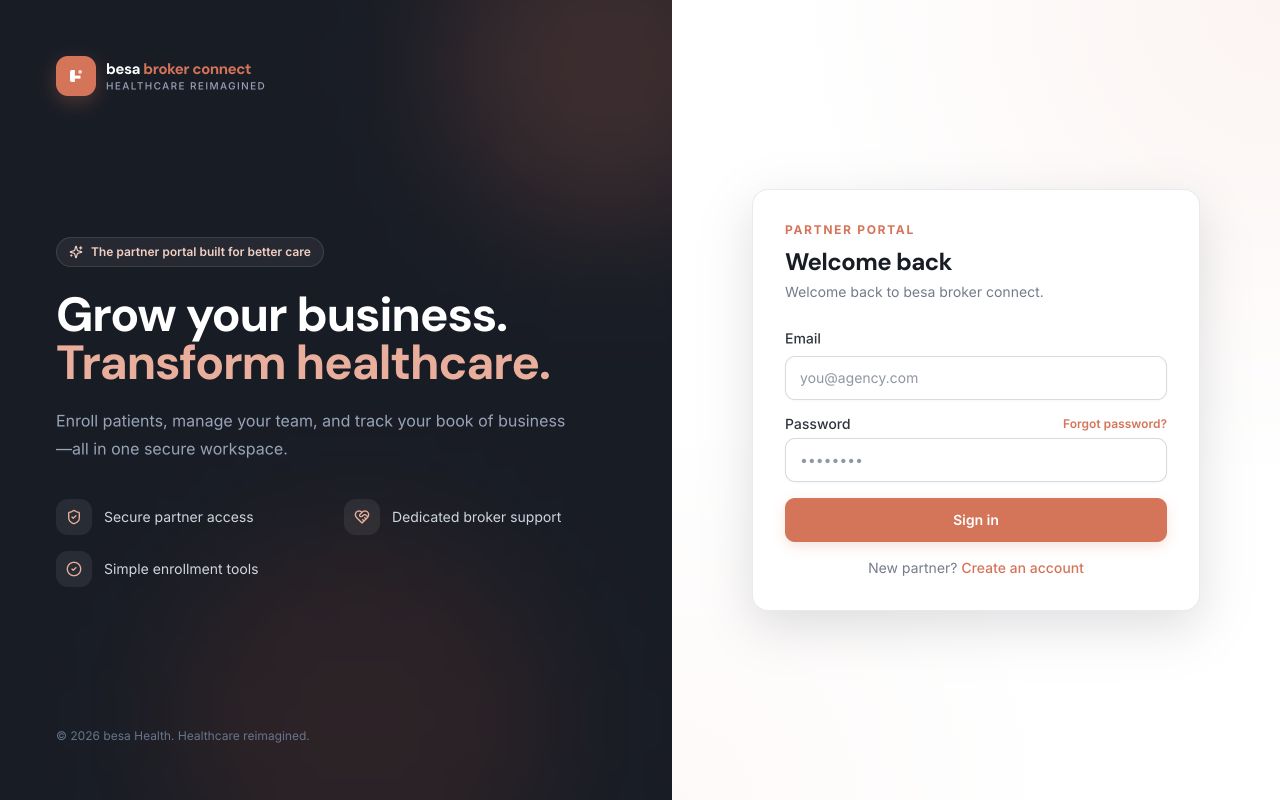
| Broker | Broker onboarding; individual and employer enrollment; agent management; plan comparison; broker resources; commission visibility. | Brokers, agents, and authorized administrators | Broker relationships, enrollments, and broker commission records | broker.besahealth.org |
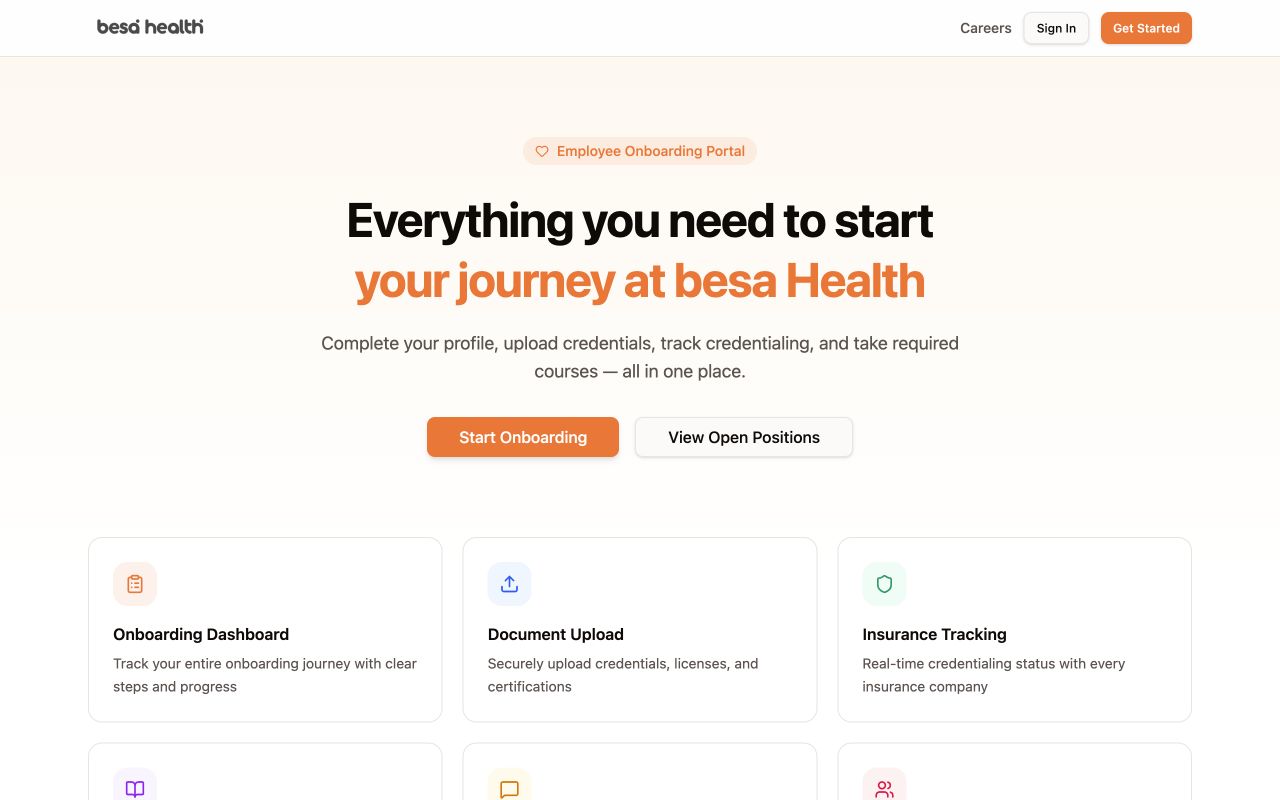
| Provider | Provider onboarding; profile and credential documents; insurance credentialing; courses; messages; weekly provider payment status. | Providers and provider-administration staff | Provider onboarding, credentials, payer status, and provider payment workflow | providers.besahealth.org |
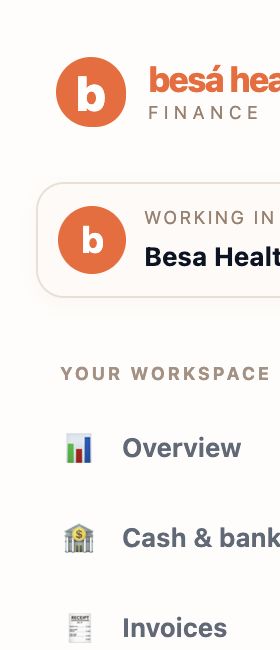
| Accounting | Invoices, customer receipts, vendor bills, expenses, bank activity, reconciliation, financial reports, and payment proof. | Accounting staff and approved administrators | Posted financial transactions and supporting documents | accounting.besahealth.org |
| Support | SOP search, help requests, request follow-up, and the protected staff ticket and requester workspace. | All team members; staff workspace is role-based | Support conversations, ticket status, requester activity, and SOPs | support.besahealth.org |
📘 Choose the Right Platform
- Are you enrolling or supporting a broker relationship? Use Broker. This includes individual or employer enrollment, agents, broker resources, plan comparison, and commission history.
- Are you onboarding or credentialing a provider? Use Provider. Provider documents and insurance status belong there even when a financial payment will later appear in Accounting.
- Are you recording or reconciling money? Use Accounting. Bills, expenses, invoices, bank activity, proof, and posted balances belong in the financial source of record.
- Are you looking for instructions or reporting a problem? Use Support. Search the Help Center first, then submit or manage a request if the article does not resolve the issue.
- Does the task cross systems? Complete the operational step in its owning platform, then confirm the expected downstream record. Example: review provider visits in Provider, send the approved payment to Accounting, and verify both systems reconcile.
🔄 Cross-Platform Handoffs
| Workflow | Start Here | Then Verify | Do Not Do |
|---|---|---|---|
| Broker enrollment | Broker → Patients | The person or business appears once in the correct Individuals or Businesses view. | Do not create a second enrollment because a deposit or activation is pending. |
| Provider onboarding | Provider → Dashboard / Provider Pipeline | Required steps, documents, and payer statuses show the correct progress. | Do not mark an admin review complete without evidence. |
| Provider payment | Provider → Provider Payments | Accounting bill, payment proof, and Paid / Recorded status reconcile. | Do not create a second bill to correct a sync or proof problem. |
| Support escalation | Support → Search or Submit a request | The request confirmation and future replies stay on the same ticket. | Do not open duplicate tickets for the same unresolved issue. |
🛠 Troubleshooting
The platform will not open
Confirm the URL matches this directory, refresh once, and try a private browser window only if the page appears cached. If the site still fails, submit a Support request with the platform name, time, visible error, and a screenshot.
You can sign in but cannot see the expected menu
Confirm which role you were assigned and whether the task is restricted to a broker owner, provider administrator, accounting administrator, or support administrator. Request access through Support; do not share another user’s account.
You are unsure where an item belongs
Identify which system must remain the source of record. If the task changes money, Accounting owns the posted transaction. If it changes provider credentialing, Provider owns the status. If it records a support conversation, Support owns the activity.
✅ Completion Check
- You opened the approved production URL.
- You used the platform that owns the record.
- You searched for an existing record before creating a new one.
- Any required downstream record or status was verified.
- An unresolved access, data, or sync issue was documented in one Support request.
If you have any questions, something does not match what you see, or you need more information, please reach out to Support.
Comments (0)